🎨
Color-first puzzle design
Sort bright blocks into matching silos while enjoying a clean visual rhythm and a soft pastel interface inspired by your reference images.
Hue Harbor blends satisfying sort-puzzle gameplay with a soft, modern visual theme. The homepage design takes inspiration from light blue line-art motion, peach mobile-card layouts, and a calm coastal color palette.
The website moves away from earlier layouts and uses a softer composition: airy blue lines, warm peach surfaces, floating mobile cards, and a playful app-focused hero section.
Sort bright blocks into matching silos while enjoying a clean visual rhythm and a soft pastel interface inspired by your reference images.
Hue Harbor is built for casual offline play, making it easy to return to your puzzle progress whenever you want without needing a server connection.
Rounded cards, gentle gradients, light motion, and airy spacing give the brand a cleaner identity while keeping the gaming feel front and center.
Hue Harbor keeps track of the pieces that make a puzzle session feel personal: progress, stars, earned coins, boosters, visual silo choices, and everyday settings.
Your current level, unlocked level state, and level star results are stored locally so the game can remember how far you have progressed on the same installation.
The game can remember coins and rewards earned during play, giving the puzzle loop a sense of continuation without requiring an online account.
Booster quantities for Scanner and Extra Silo are part of the saved local game state, ready to support more complicated sorting situations.
Hue Harbor can remember the selected silo style alongside sound and haptic preferences, so the game returns with your chosen look and feel.
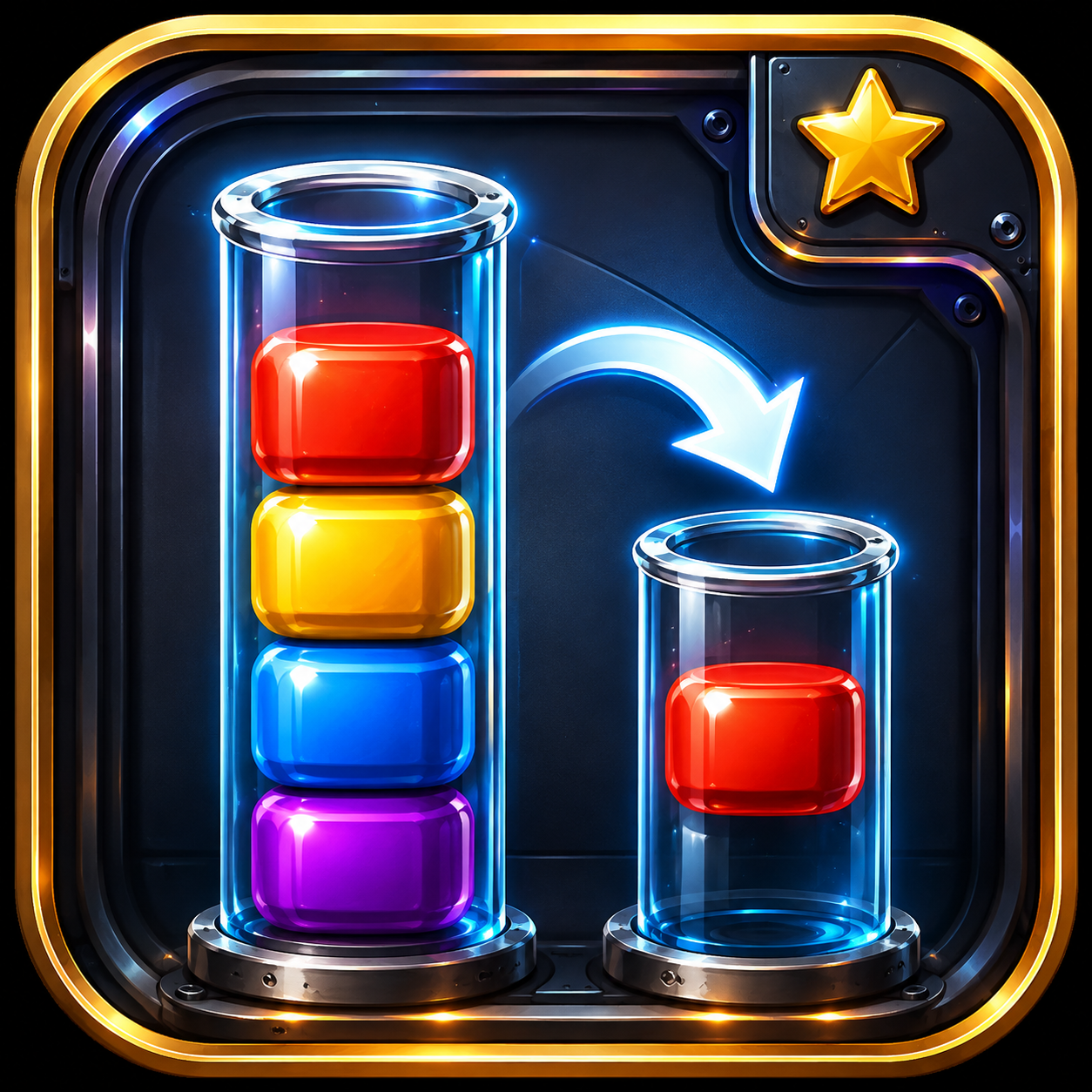
Select the top color block you want to move. The goal is to organize matching colors into the same silo.
Send the block to an empty silo or on top of the same color. Plan a few moves ahead to avoid getting stuck.
Helpful tools like Scanner or Extra Silo can support progress in tricky moments while keeping the puzzle flow fun and smooth.
Everything is designed to feel lighter and more modern — from the homepage composition to the privacy-friendly app positioning.
Hue Harbor is designed around quick puzzle decisions with enough saved state to make each return feel connected to the last session.
A compact FAQ section for players and reviewers.
Hue Harbor is presented as an offline casual puzzle game. Core play is designed around on-device progress and settings.
Yes. Game progress and settings are stored locally on the device so the app can remember your current state on the same installation.
Yes. Sound and haptic preferences are part of the local settings experience and can be adjusted from within the game settings.
You can open the complete privacy policy from the header or footer, and it is also available directly through the dedicated privacy-policy page.
The current source build does not invent an external support email. Contact details below stay aligned with the provided privacy text.
Players can use the in-app Contact Us screen for questions, gameplay feedback, and help related to Hue Harbor.
Privacy questions should be directed through the in-app Contact Us screen using the support route configured by the developer.